BYOd Laptop Program
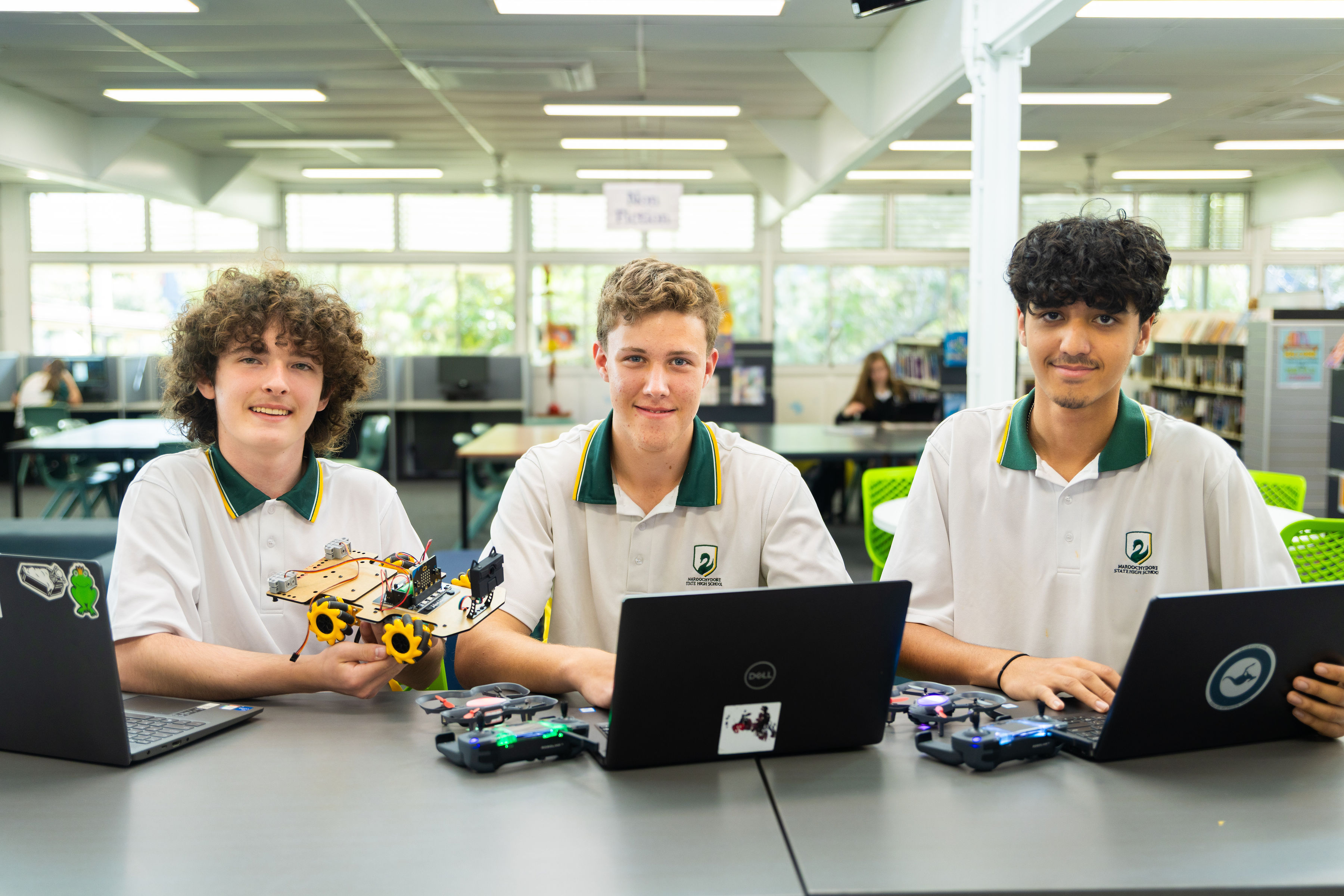
Maroochydore State High School requires all students have a laptop to assist with their learning. Our 1:1 Laptop program involves all students bringing their personally owned laptop to school each day.
Preferred devices
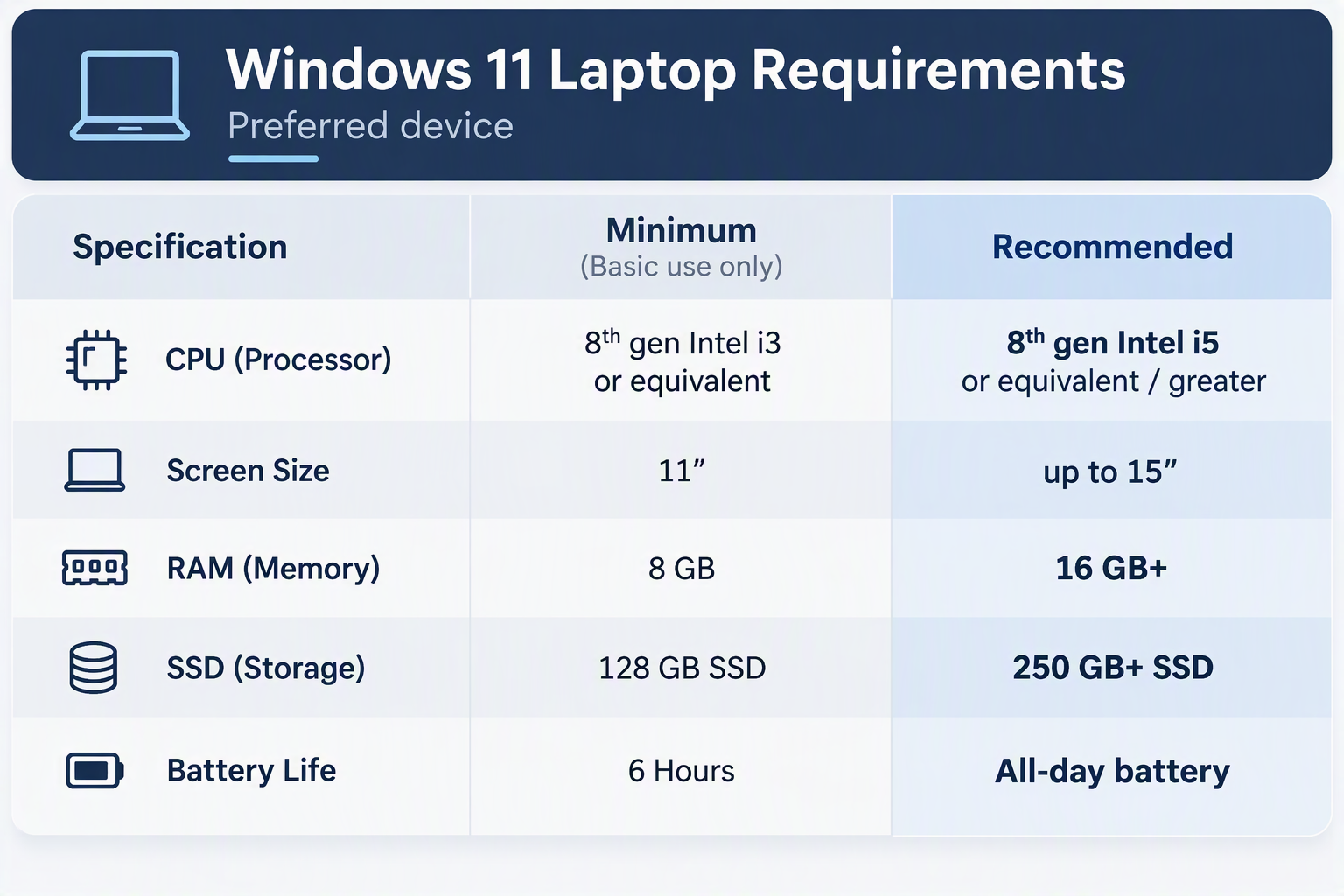
Windows laptops are the preferred devices, though no specific brand or
model is required.
While Apple laptops are supported, please note some applications and functionality
may not be available. Your device must meet BYOD minimum device specifications .
Android devices and Chromebooks are not supported.
 Key factors
- It is highly recommended that you have your own insurance and/or accidental damage insurance.
- Our computer technicians are not permitted to repair hardware or software issues on BYOd devices. They will however provide support and advice where possible.
- Adobe CC is available for free – this includes Adobe Photoshop, Illustrator, Animate, Dreamweaver and In-Design.
- Microsoft Office 365 is free for students to download using their school login details.
- Internet is filtered while students are connected to our BYO WiFi network at school.
Laptop assistance
Students can take their device to the School Technician in the Library for connection assistance. If students require assistance during class time, they must present with a note from their Teacher.
The IT Desk is open four times daily:
- Before school (8am to 8:30am)
- During Recess 1 (9.55am to 10.40am)
- During Recess 2 (1pm to 1.25pm)
- After school (2:35pm to 3pm)
Contact us
Please contact the school if you have any further queries.